Help centerGet startedUpdated Oct 12, 2026
Use Kliqo in Claude and ChatGPT
Add Kliqo to Claude, ChatGPT, Cursor or Codex: free checks without an account, sign in from the chat, what it can read and change, example questions.
Kliqo works inside Claude, ChatGPT, Cursor and Codex. Ask in plain words how AI answers talk about your brand, why a competitor gets recommended, or whether AI crawlers can read your site, and the app answers with Kliqo's data. Free checks work without an account; your own workspace's data needs a one-time sign-in, which the app asks for in the chat when it's first needed.
Add Kliqo to your AI app
The connector address is kliqo.ai/mcp.
Claude (claude.ai, desktop and mobile)
Customize → Connectors → Add → Add custom connector. Enter a name (Kliqo) and the address, choose Sign in when needed under Authentication, then Add.ChatGPT
Plugins → Add → Add custom MCP server. Enter the address, choose OAuth or no authentication, then Use without an account (or sign in right away).Claude Code, Cursor and Codex
Add a remote (HTTP) MCP server with the same address, for example in Claude Code: claude mcp add --transport http kliqo https://kliqo.ai/mcp. Sign in with /mcp when a workspace tool asks for it.
Free checks, no account
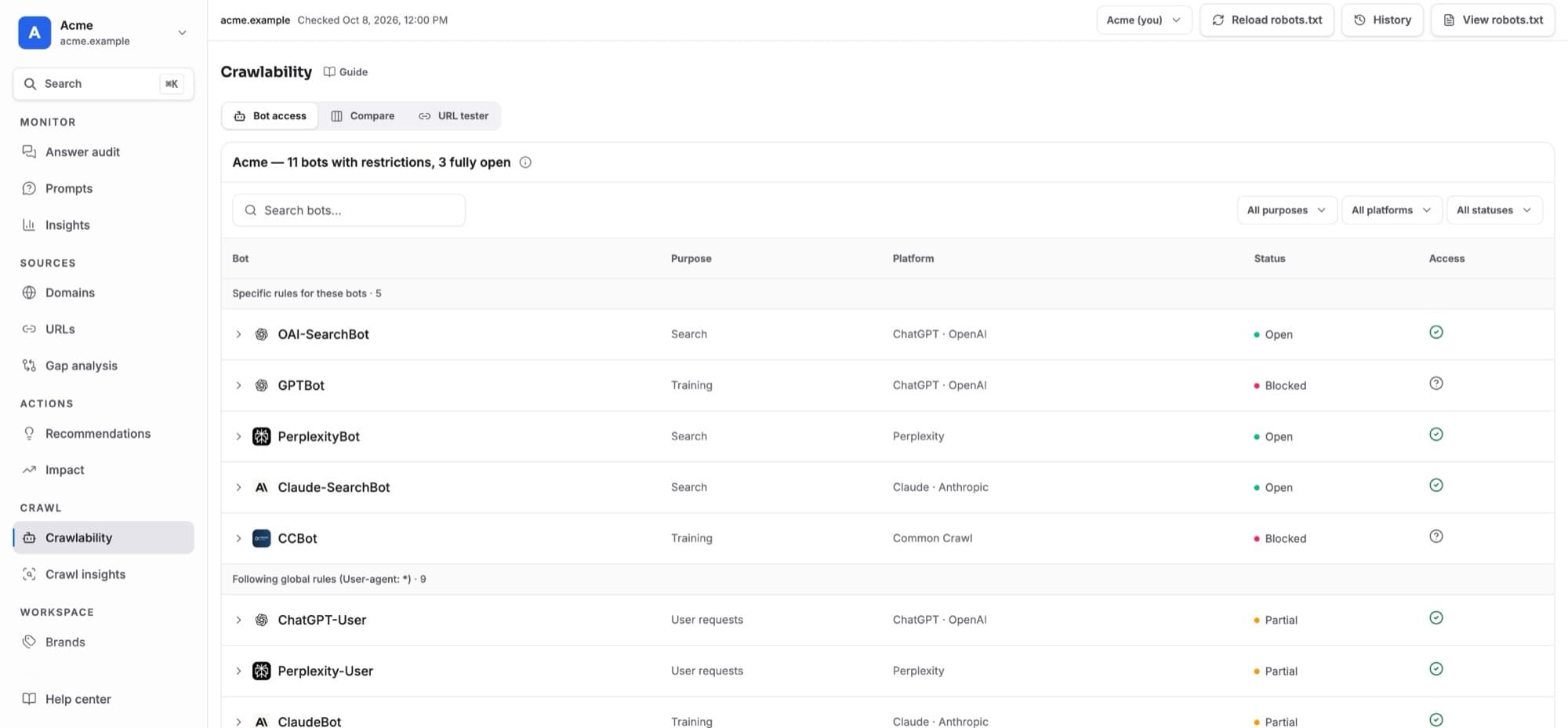
- AI crawler access: can ChatGPT, Claude, Perplexity, Google and other AI crawlers read a site; robots.txt health, the sitemap and the homepage without JavaScript, with the exact fix.
- Page audit: one page the way AI search sees it (access, indexing, text without JavaScript, title, structured data, dates).
- AI visibility files: an llms.txt and Organization, WebSite and FAQ structured data written from the live site, and robots.txt lines when a change is needed.
- A live ChatGPT question (in Claude, Cursor and Codex): is your brand named for one buyer question, which brands are listed ahead of you, and which sites ChatGPT cites. The answer takes a few minutes; one new question a day without an account.
- Crawler IP check, crawler list and robots.txt rules: is a visitor really GPTBot or ClaudeBot, which bots each AI company runs, and rules for allowing search while blocking training.
Signing in from the chat
The first time you ask about your own brand (your briefing, visibility, answers, competitors or actions), the app shows a sign-in button in the conversation: Connect in Claude, Update accessin ChatGPT. Sign in to Kliqo (Google or an email link), choose the workspace if you belong to several, and approve what the app may do. The app then finishes your request; there's nothing to reconnect.
- The sign-in uses the Kliqo account your browser is signed in to. To use another one, choose Use another account at the bottom of the sign-in screens.
- No Kliqo account yet? You can create one in that same step. The app then tells you how to add your website; Kliqo's first AI answers arrive within minutes for ChatGPT and within a few hours for Google's AI.
- The app stays connected while you use it. It asks again only if you disconnect it, leave the workspace or don't use it for 30 days.
What it does with your workspace
- Read: your briefing (what changed and what needs attention), visibility, recommendation share and rank per AI model, the answers themselves, the prompts you're losing and who wins them, the sites AI cites for competitors, your actions and their measured impact, and real AI crawler visits. Same numbers as the dashboard.
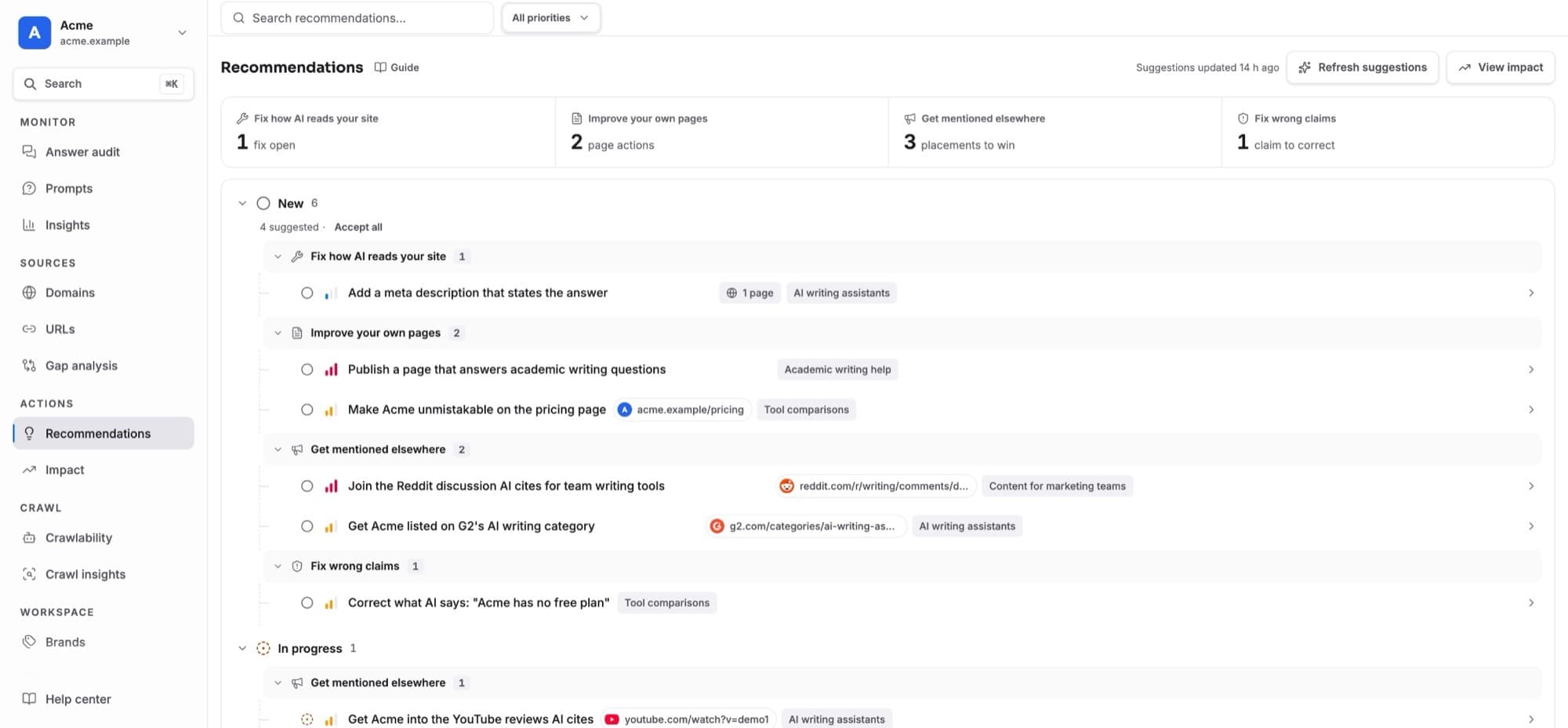
- Changes, only after you confirm: move an action (to do, done, declined), add prompts (paused, so nothing is scanned or charged) and track a competitor. Editors, admins and owners only. The app can't change settings, start scans, spend money, see billing or invite anyone.
- Fixing your site: in a code editor, the app turns an action into a plan for your site's code, checks the changed page the way AI crawlers see it, and offers to mark the action done so Kliqo measures the before and after.
Things to ask
- “Give me my Kliqo briefing for this week.”
- “Which questions does ChatGPT answer without naming us, and who wins them?”
- “Why does AI recommend our top competitor instead of us? Show me the answers.”
- “Can AI crawlers read example.com? Fix anything that blocks them.”
- “Plan the most valuable Kliqo action and make the change in this codebase.” (in a code editor)
Slash commands: weekly pulse, why competitors win, fix my site for AI, did my fix work, and is my site ready for AI search.
Your data and disconnecting
- The app reads only the one workspace you chose, with your role's permissions. Every call is checked against your membership, and Kliqo keeps a 90-day log of which app called which tool.
- Text from AI answers and websites is passed to the app as data, never as instructions.
- Disconnect any time in Kliqo under Settings → Connected apps, or in the app itself. The app stops at once.
- Limits: about 60 calls a minute per member and 200 changes a day per workspace.