Help centerWorkspaceUpdated Oct 12, 2026
Project settings
Project name and domain, country, language, timezone, and the brand context AI checks claims against.
- 1Save changes
- 2General
- 3Identity
- 4Region and language
- 5Timezone
- 6Brand context
Project settings describe the brand behind the project: its name and website, where its buyers are, and what it sells. Kliqo uses them to match answers, set report dates and check what AI says about you.
General
- Project name / Primary domain
- Shown across the workspace. Changing them also updates your tracked brand in Brands. Each domain can belong to only one project.
- Country / Language
- Where and in what language prompts are asked. Leave them empty for Global and all languages.
- Timezone
- Sets when the nightly scan runs (between 02:00 and 05:00 local time) and which day each answer belongs to in reports.
Brand context
Category, audience, description, products and services, and the customer problems you solve. Kliqo uses this to suggest topics and prompts.
Saving and archiving
- The top bar shows Unsaved changes. Save changes applies them; Discard reverts.
- Archive project removes the project from navigation and stops its scans. Reports stay preserved.
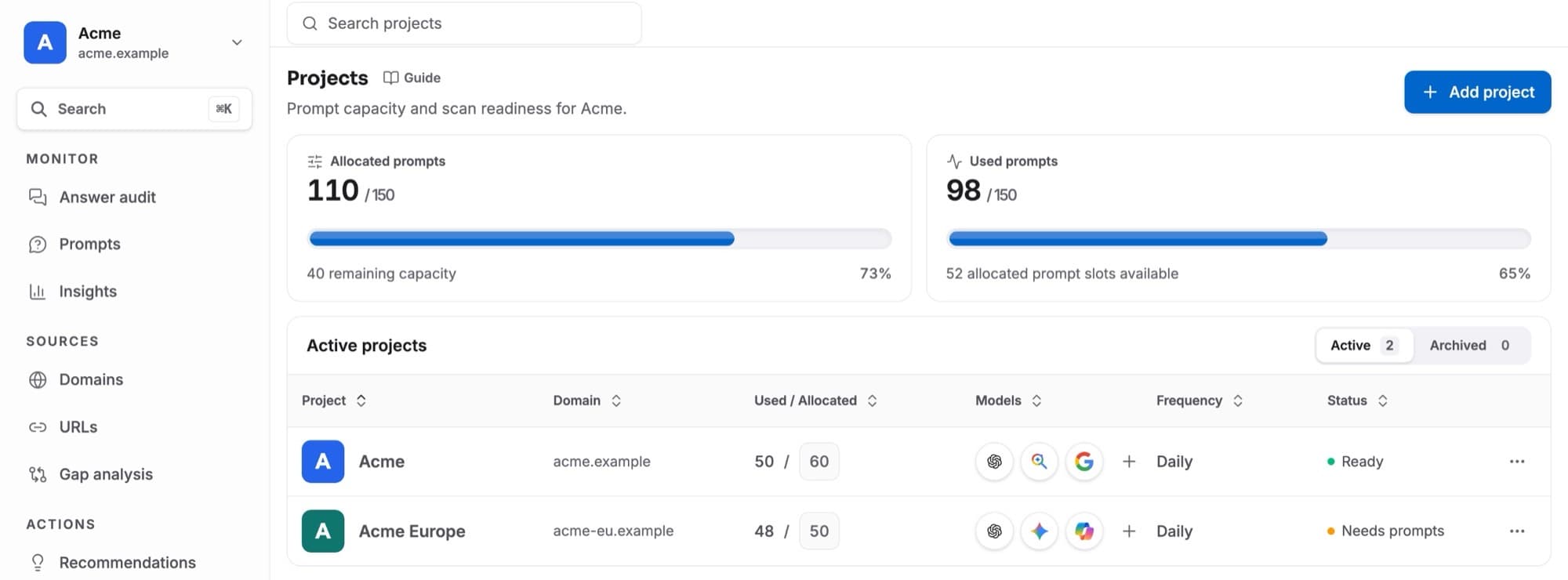
- AI models, prompt allocation and the scan status are on Projects.
Only owners and admins can change settings. Other roles see them read-only.