Help centerCrawlUpdated Oct 12, 2026
Crawlability
Whether AI crawlers may read your site under robots.txt, compared with your competitors.
- 1Site: yours or a competitor's
- 2Reload robots.txt
- 3View robots.txt
- 4Bot access, Compare, URL tester
- 5Summary
- 6Filters
- 7Status
- 8Open a bot
AI assistants can only use pages their crawlers are allowed to read. Crawlability reads your robots.txt for each known AI bot and checks whether those bots actually get through. It also compares your rules with your competitors’.
Three kinds of AI bot
- Search
- Builds the index an assistant searches when it answers, for example OAI-SearchBot or PerplexityBot. Blocking these keeps you out of answers.
- Training
- Collects content to train future models, for example GPTBot or Google-Extended. Many sites block these by choice, and that doesn’t affect today’s answers.
- User requests
- Fetches a page live because a person asked about it, for example ChatGPT-User. Some vendors say these may not follow robots.txt.
Bot access
One row per bot, grouped by the rule that applies to it: rules that name the bot, the global User-agent: * rules, or no rules at all. Filter by purpose, platform or status, or search for a bot.
Status
- OpenNo paths disallowed
- PartialAllowed, but some paths disallowed
- BlockedThe homepage is disallowed
- Unknownrobots.txt couldn't be read
For your own site, Accessshows whether a request sent with the bot’s name succeeded, compared with a normal request:
Access
- Verified: the site answered the bot normally
- Failed: the bot got an error a normal visitor didn't
- Unknown: e.g. bot protection challenged it, or a normal request failed too
- Not checked (competitor sites, rule-only tokens)
Hover an icon for the reason. Click a bot’s name to see its restricted paths, the rule for the homepage, and a link to the vendor’s documentation.
Checking again
Editors can click Reload robots.txt after changing the file. View robots.txt shows the file as it was read, and History lists what changed between checks.
Compare
One row per bot and one column per site, yours marked You. Competitor robots.txt files are read automatically and refreshed daily. Choose Differences onlyto see just the bots that sites treat differently. Click a cell to read that site’s robots.txt.
URL tester
Paste a URL
A page on your domain or a tracked competitor’s, or pick Homepage, /pricing or /blog.Choose the check
Rules only reads robots.txt for every bot. Rules + live test (the default, your own site only) also requests the page as up to six crawlers; the main AI crawlers are picked for you.Click Check URL
The headline says how many bots are disallowed or refused. Each bot shows the rule for that page (Allowed or Disallowed, with the line that matched) and, if tested, what the live request got: Got the page, Refused our request (e.g. 403), Challenged, or a temporary Rate limited / Server error. Problems are listed first.
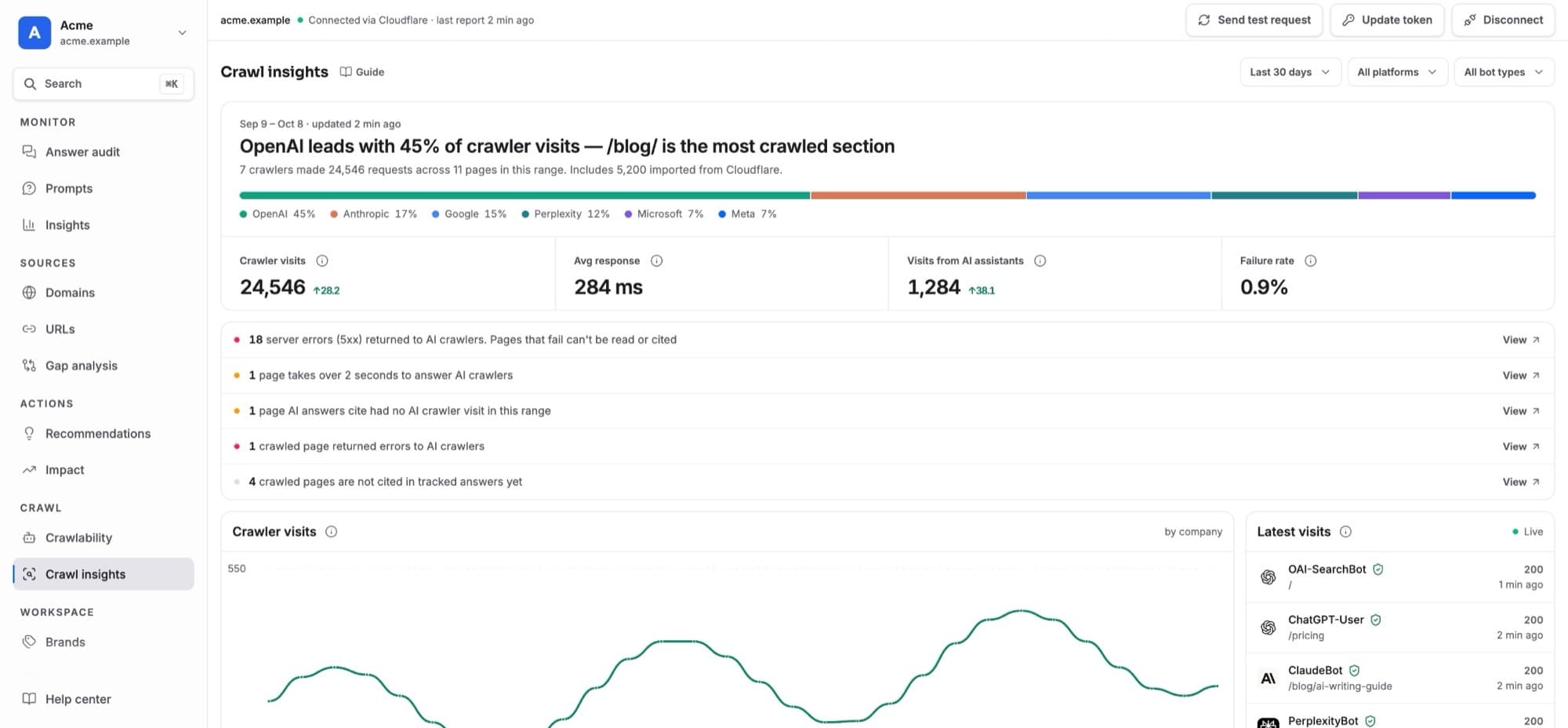
How the live test works: Kliqo’s server requests the page twice, once like a normal browser and once with the crawler’s user agent, and compares the answers. That catches server, CDN and firewall rules that refuse a crawler by name, which robots.txt can’t show. The requests come from Kliqo’s server, not the AI company’s IP addresses, so a site that checks IPs can treat the real crawler differently; Crawl insights shows real, IP-verified visits.
Fixing a blocked bot
- Find the highlighted lines in robots.txt (click the bot’s status).
- Remove the
Disallowfor search and user-request bots, or add anAllowfor the pages you want in answers. - Publish the file, then click Reload robots.txt and confirm the status is Open.
Recommendations suggests this fix automatically when a search bot is blocked, with the steps to follow. Training bots never trigger a suggestion; blocking them is your choice.