Help centerWorkspaceUpdated Oct 12, 2026
Billing and plans
Plans, the free trial, upgrading and downgrading, plan limits, invoices and paused workspaces.
Billing belongs to the workspace: one plan covers all its projects and members. Only the workspace owner can start a trial, change the plan or open invoices; everyone else sees the plan and usage.
Plans and prices
- Starter
- Monthly: $79
- Annual (per month): $67
- Prompts: 50
- Projects: 1
- Extra AI model: $15/mo
- Growth
- Monthly: $199
- Annual (per month): $169
- Prompts: 150
- Projects: 3
- Extra AI model: $39/mo
- Pro
- Monthly: $449
- Annual (per month): $382
- Prompts: 400
- Projects: 10
- Extra AI model: $89/mo
| Plan | Monthly | Annual (per month) | Prompts | Projects | Extra AI model |
|---|---|---|---|---|---|
| Starter | $79 | $67 | 50 | 1 | $15/mo |
| Growth | $199 | $169 | 150 | 3 | $39/mo |
| Pro | $449 | $382 | 400 | 10 | $89/mo |
Every plan includes three AI models per project and unlimited members. Annual billing saves 15% and is charged once a year. Prices are before tax; VAT or sales tax is added at checkout where it applies.
Payments go through Link, Stripe’s merchant of record service. Link sends your receipts and invoices, your card statement shows LINK.COM* followed by our name, and you can also see or cancel the subscription in your Link account.
Free trial
- Seven days on any plan, with 50 prompts and three AI models. Your plan’s full limits and any extra models start with the first payment.
- A card is required, and each card gets one free trial. Cancel before day seven and you’re not charged.
- A new workspace starts the trial at the end of setup: choose a plan, add your card on Stripe’s secure page, and the first scan starts. If you started from a plan on the pricing page, that plan and billing period are already selected.
- During the trial, the top bar shows how many days are left (Trial · 5 days left, amber in the last two days); click it to open Billing. On the last day a thin banner shows the first charge and its date.
- If you cancel during the trial, the chip says won’t renew and Billing offers Keep my plan. When the trial ends without a plan, the dashboard shows Your free trial has ended with the plans; your projects and results are kept for 90 days.
- The full rules (renewal, cancellation, refunds, and what happens to data after a workspace is paused) are in the Terms of Service.
Founding 30
Our launch offer for the first 30 paying customers. The pricing page and the plan picker show how many spots are left, and the offer disappears once they are taken.
- +50 prompts for 12 months, on top of your plan. Growth, for example, allows 200 prompts instead of 150.
- Your price is locked for as long as the subscription stays active: if prices go up later, you keep paying what you signed up at, including when you change plan or models.
- Spots go to the first payments, in order. A free trial doesn’t hold a spot: it counts when the trial converts to a paid plan, if spots are still left then. Workspaces with complimentary access don’t take part.
- Founding members see Founding member on Billing, with the bonus and the date it ends. A month before it ends, Billing warns you if your allocations need the bonus. After that date the plan’s own prompt limit applies, and prompts over it are paused as in a downgrade (see Plan limits), never deleted.
- If the subscription is cancelled and a new one started later, the new one is a normal subscription: no bonus and no locked price.
Change plan or models
On Billing, click Change plan, pick the plan, Monthly or Annual and the number of extra models. The dialog shows what happens before you confirm:
- Upgrades (a bigger plan, more models, or switching to annual) apply now. You pay the difference for the rest of the period today.
- Downgrades (a smaller plan, fewer models, or switching to monthly) apply at the end of the period. You keep the current plan until then and can Undo the change.
- During the trial, changing plan is free and the trial continues.
- If a payment failed, you can update the card or downgrade, but not upgrade until the payment goes through.
Plan limits
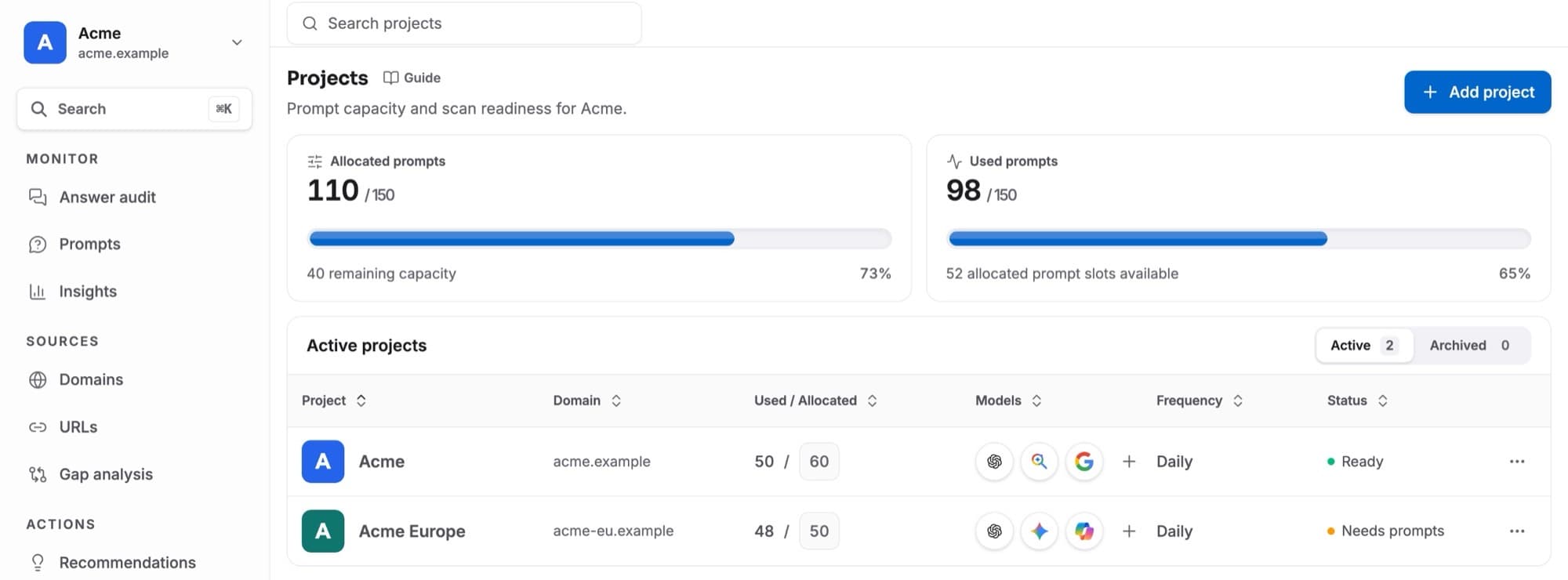
Prompt allocation, finished projects and AI models per project count toward the plan. When an action would go over, Kliqo explains which limit applies; the owner can open the plans from there.
When a downgrade switches in and you use more than the new plan includes, you choose what to keep in the Change plan dialog. Anything left over is paused, never deleted: the projects with the fewest answers first, then the prompts that name you least, and each project keeps its most-answered models. A paused project shows Paused · plan limit on Projects; give it prompts again to resume it within the plan’s project limit.
Payments and invoices
Cards and invoicesopens Stripe’s billing page, where the owner updates the card, downloads invoices and receipts, or cancels. A cancelled plan runs to the end of the paid period. There are no refunds.
Paused workspaces
If a payment fails, the workspace keeps working for three days while Stripe retries the card. After that, or when the subscription ends, the workspace is paused: its pages show This workspace is paused, and nightly scans stop right away. The owner can update the card or choose a plan there; your data is kept for 90 days.