Help centerGet startedUpdated Oct 12, 2026
Set up your first project
Add your site, check the brand profile, pick topics and prompts, and choose the three AI models to track.
Setting up a project takes about five minutes. You give Kliqo your website; it researches your brand, proposes topics, prompts and competitors, and you check each step before the first scan runs.
Sign in
Sign in with Google, or enter your work email and click Send Magic Link. The link in the email works once and expires after 10 minutes. A new account gets its own workspace automatically.
Create the project
Add project details
Enter your domain only, without a page path (for example
yourbrand.com), plus your brand name, location, language and timezone. The timezone sets when your nightly scan runs.When you click Next, Kliqo reads your website, writes a brand profile and researches your direct competitors.
Verify brand profile
Check the description, industry, audience, brand identity, products and services, and the problems you solve. Click a tag to edit it. This profile shapes your prompts and is used to spot wrong claims later, so make it accurate.Review topics
Kliqo proposes five topics: categories where AI answers usually name competing products. Delete any that don’t fit and add your own; you need exactly five.Review prompts
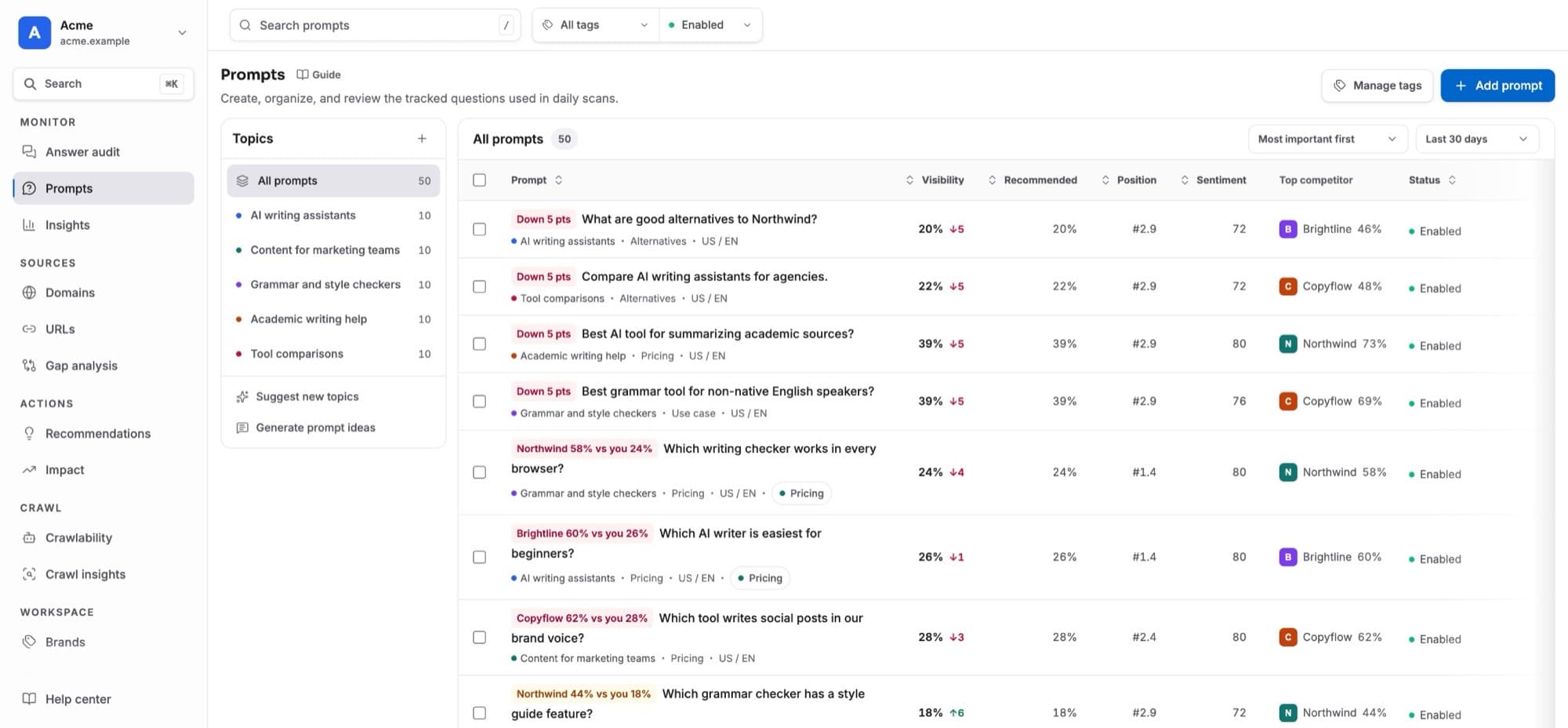
Ten prompts per topic are written for you, 50 in total. They are unbranded buyer questions: recommendations, comparisons, alternatives, use cases, pricing and trust.
Remove or add prompts as you like. Keep at least 50, with at least 10 in each topic, then click Looks good.
Choose your AI models
Then start the free trial: the plan you picked on the pricing page is already selected (Change plan to switch), and Start free trial opens the secure checkout. Back from checkout, for your first project, a short workspace setup follows. Three AI models are already selected (ChatGPT, Google AI Mode and Google AI Overview); change them if your buyers use others (Perplexity, Gemini or Copilot). The second screen asks your role, your priority and how you found us; you can skip it. Start first scan queues your first scan.
What happens next
- Your competitors are added: up to five confident matches are tracked straight away, and the rest wait under Suggestions in Brands.
- The first scan runs, and Answer audit shows each model as soon as it answers. ChatGPT usually answers within minutes; Google’s models take minutes on a good day and hours on a slow one. We email you when the first results are in, and roles and sentiment fill in a few minutes later.
- After that, the project is scanned every night between 02:00 and 05:00 in its timezone.
- The first time you open the dashboard, a one-minute tour shows you around, and the Start here checklist appears in the sidebar. Its other steps open once the first results are in. See The Start here tour.
Adding another project
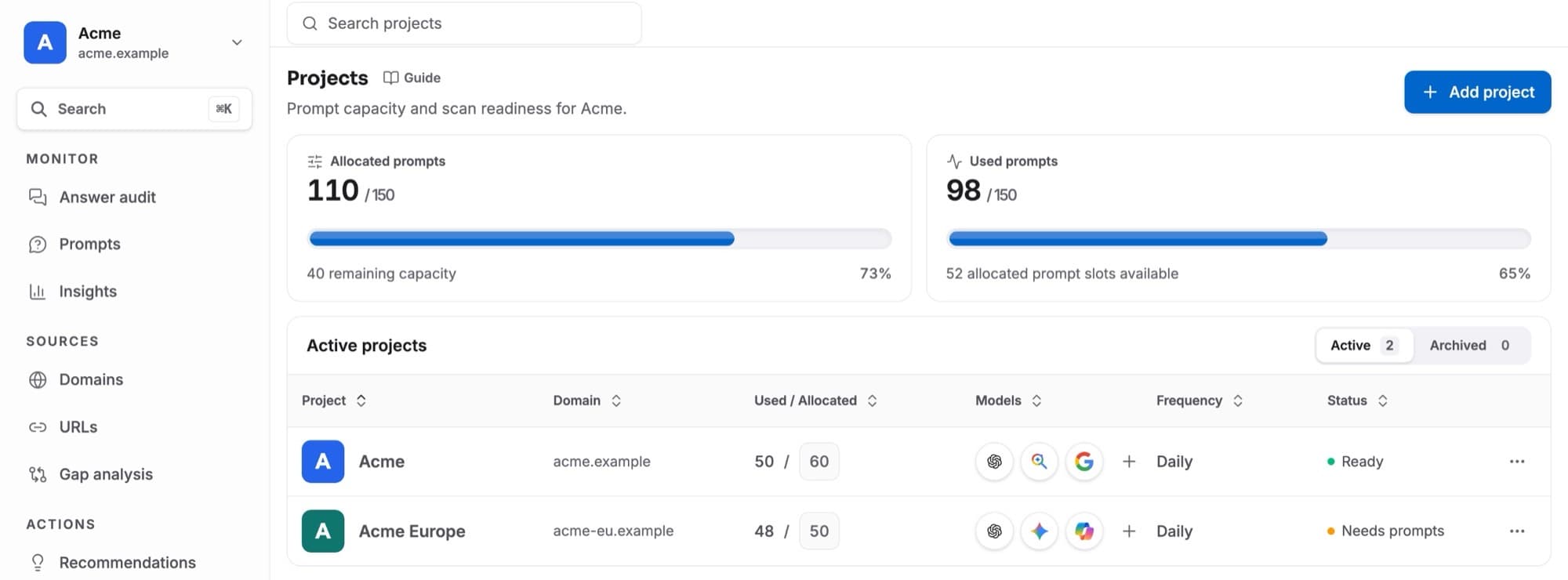
Use Add new project in the project switcher, or Add projecton Projects. The steps are the same, and the new project uses your workspace’s three models. New projects start as drafts. Give a project at least 40 prompts on Projects to start its nightly scans.
If you leave halfway, the project shows Finish setup in the project switcher. Opening it continues where you stopped.